Published
Home lifeWork from home without letting work take over your home
Make a usable work corner and a clear end to the working day. A practical small-apartment plan with desk measurements and a pack-away routine.
Written by  Novah Team
4 min read
Quick answer
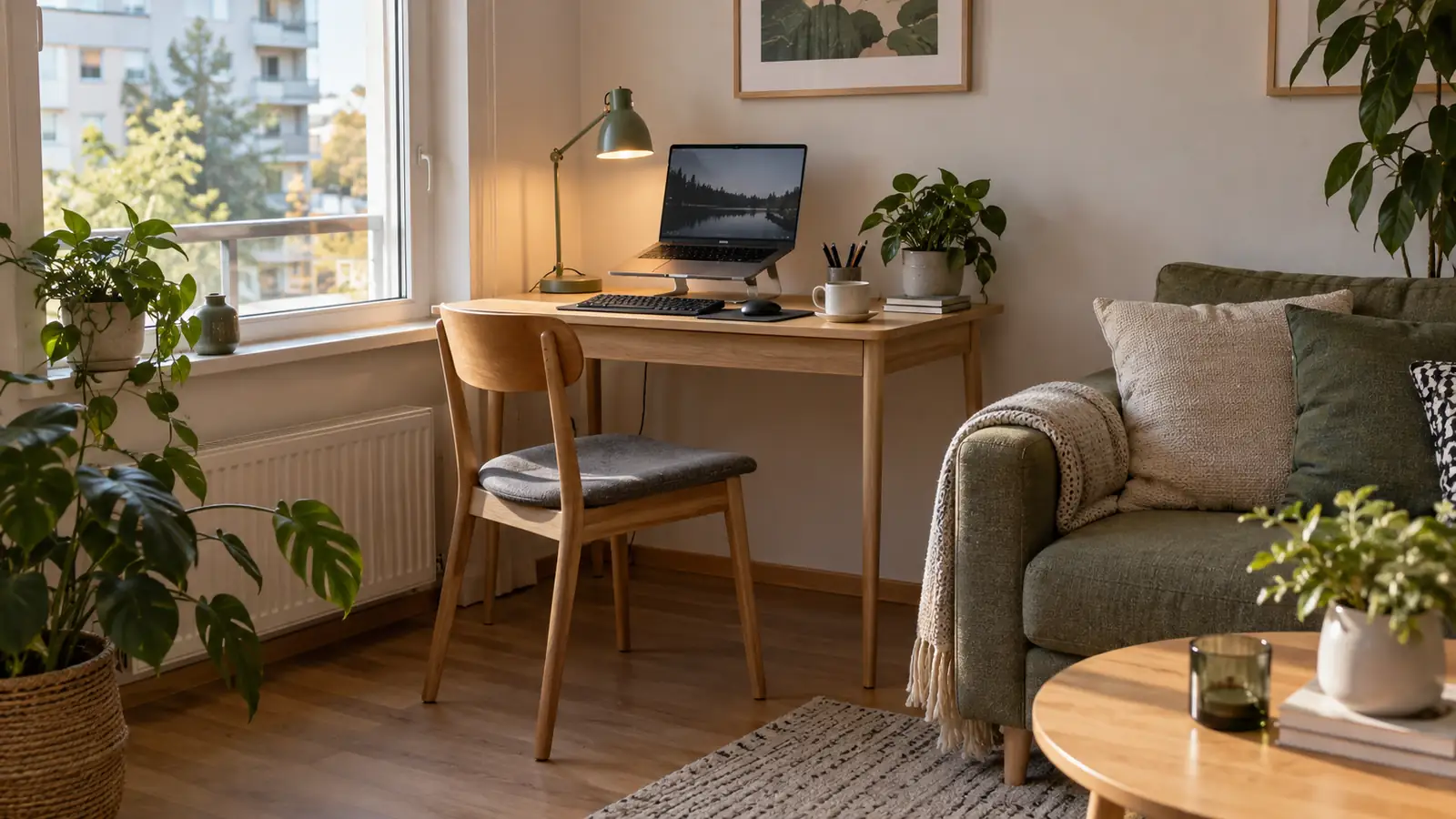
Choose a defined work area, leave room for the chair and arrange the screen and input devices for comfortable use. Give equipment one storage place so the table can return to home life.
Choose a work area you can close for the day
Pick one place for work equipment and one place for it to go afterwards. A corner desk can stay set up; a dining-table workspace needs a tray or shelf that makes clearing it straightforward.
Try the space with the chair pulled out, not just pushed neatly under the table. Can you reach the work surface, move your legs and get past it? Your floor plan needs the person as well as the furniture.
In a shared home, agree how calls and quiet work fit around everyone else's use of the room. A headset and a stated meeting time can help; the other person should still know when the table will be available.
Measure for the work you actually do
IKEA MICKE, 73 × 50 cm (Opens in a new tab) is a real compact desk with cable organisation at the back. It can provide a small dedicated surface, but its shallow dimensions may be limiting for a full-time setup with a monitor, separate keyboard and papers.
The Finnish Institute of Occupational Health's workstation guidance (Opens in a new tab) gives 120 × 80 cm as a computer-desk reference and stresses space for supported hands and equipment. Use that as a fuller-workstation comparison, rather than assuming the smallest desk is always the right purchase.
| Work pattern | Space to test before buying |
|---|---|
| Brief laptop tasks | Laptop, hands and a comfortable chair position |
| Longer computer sessions | Screen, separate input devices and supported forearms |
| Paperwork alongside a screen | All of the above plus somewhere usable for documents |
| Dining table used for work | The working arrangement and a separate equipment-storage spot |
Tape the proposed footprint on the floor. Test the chair movement and the walking route before ordering a desk. IKEA Vantaa in Porttipuisto (Opens in a new tab), at Porttisuontie 18, is one physical place to compare desk sizes.
Set the equipment up around you
Sit comfortably and bring the keyboard and mouse within easy reach. Keep the mouse close to the keyboard, leave support space in front of the hands and avoid reaching far across the desk. Keep the space beneath the surface free for your legs.
For sustained laptop work, raising the screen works best with a separate keyboard and mouse. Otherwise, lifting the entire laptop also lifts the keyboard. A screen you can read in a comfortable position is the goal, not simply the tallest laptop stand.
The workstation guidance (Opens in a new tab) supports adjustable arrangements and changing position. Move during the day and take opportunities to leave the chair. One careful setup does not make sitting still all day useful.
Keep the light and cables out of the way
Try the screen with the window beside it and see whether reflections make it hard to read. Change its angle or use the blind before rearranging the entire room. Put a task lamp where it lights paperwork without shining into the screen.
Route cables along the desk edge and keep connectors accessible. Use reusable ties for spare length. Keep cable bundles out of the walking route and clear of chair wheels.
If you share the room with houseplants, give the plant a suitable light position rather than hiding it behind a monitor. Keep watering away from electrical equipment.
Give work equipment one home
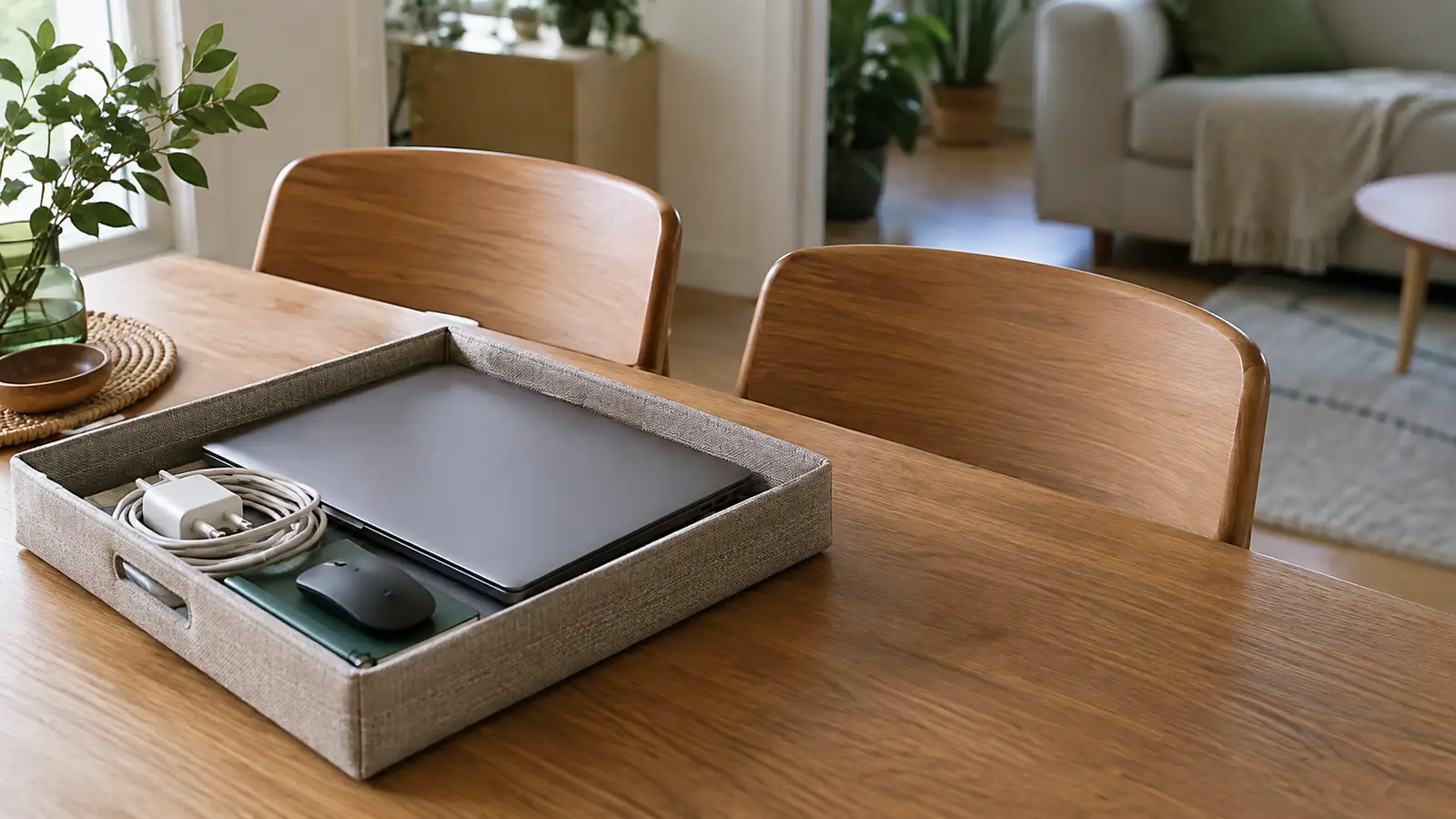
Use a shallow tray or basket for the closed laptop, mouse, notebook and loose cables. Choose something that fits the storage shelf and can be carried without items falling out.
Keep confidential papers inside suitable closed storage instead of leaving them on a shared dining table. Store frequently used work items together, and keep household items on a different part of the shelf.
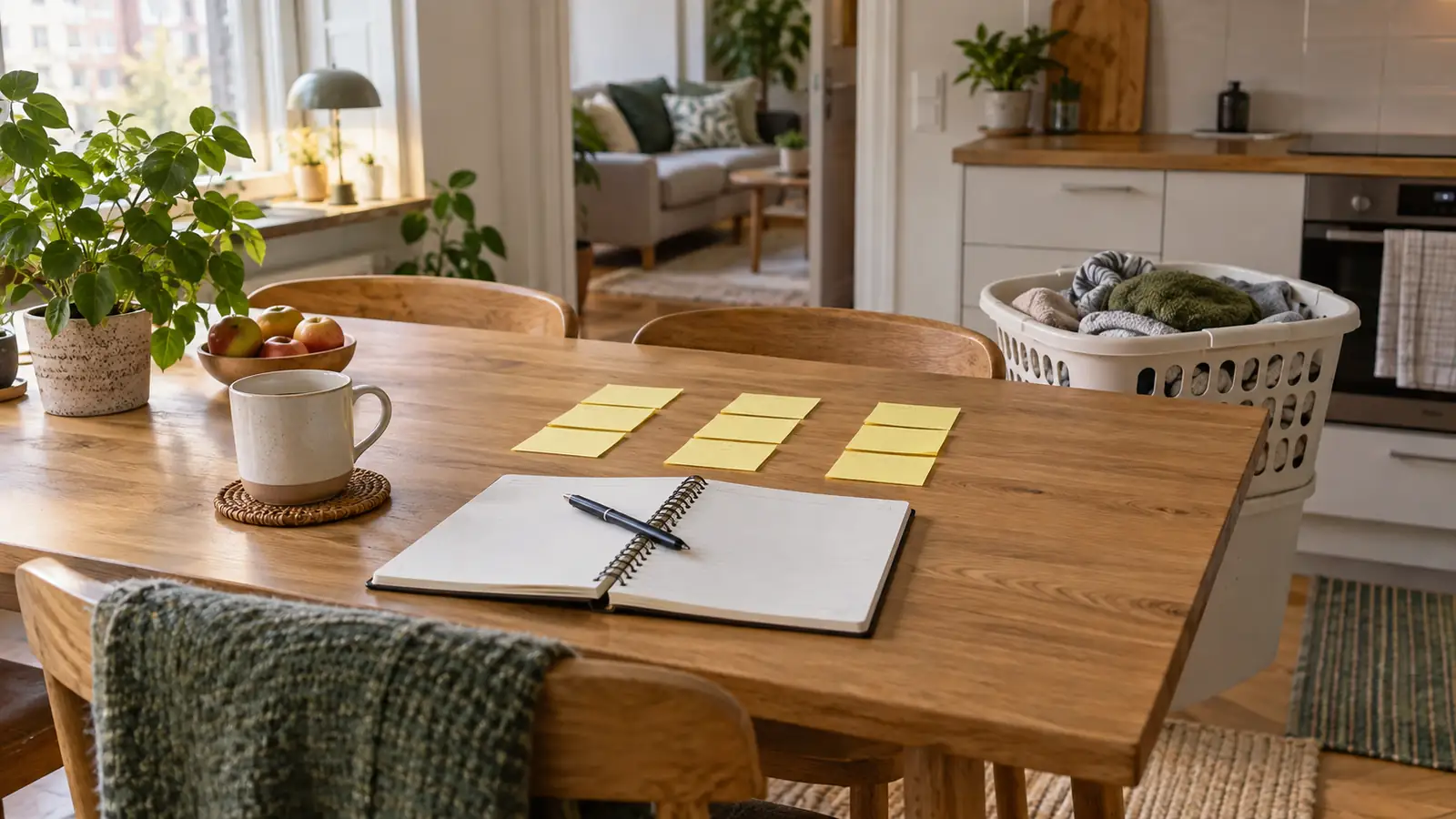
Before finishing the day, write the next useful starting task. Then put loose equipment in its place, close or put away the computer and clear the eating surface. Tomorrow you know where to begin; tonight you know where to put your plate.
Finish with a real change of use
A short walk, meal preparation or another ordinary activity can mark the handover from work to home. Choose something that fits your day. The routine is a practical suggestion, not another productivity target.
For a table ready to welcome friends, use our relaxed coffee-visit plan. If shared responsibilities are crowding out the end of the working day, try the household task agreement.
If regular cleaning is one job you would like to hand over, see Novah home cleaning in Vantaa. Equipment storage and clear surfaces can stay part of your own daily routine.
The workspace has done its job when you can work there comfortably and still use the rest of the home afterwards.
Close the workspace for today